

Settings
Change Password
Maintain account security by regularly updating your password within the security settings.
Update Password
- 1
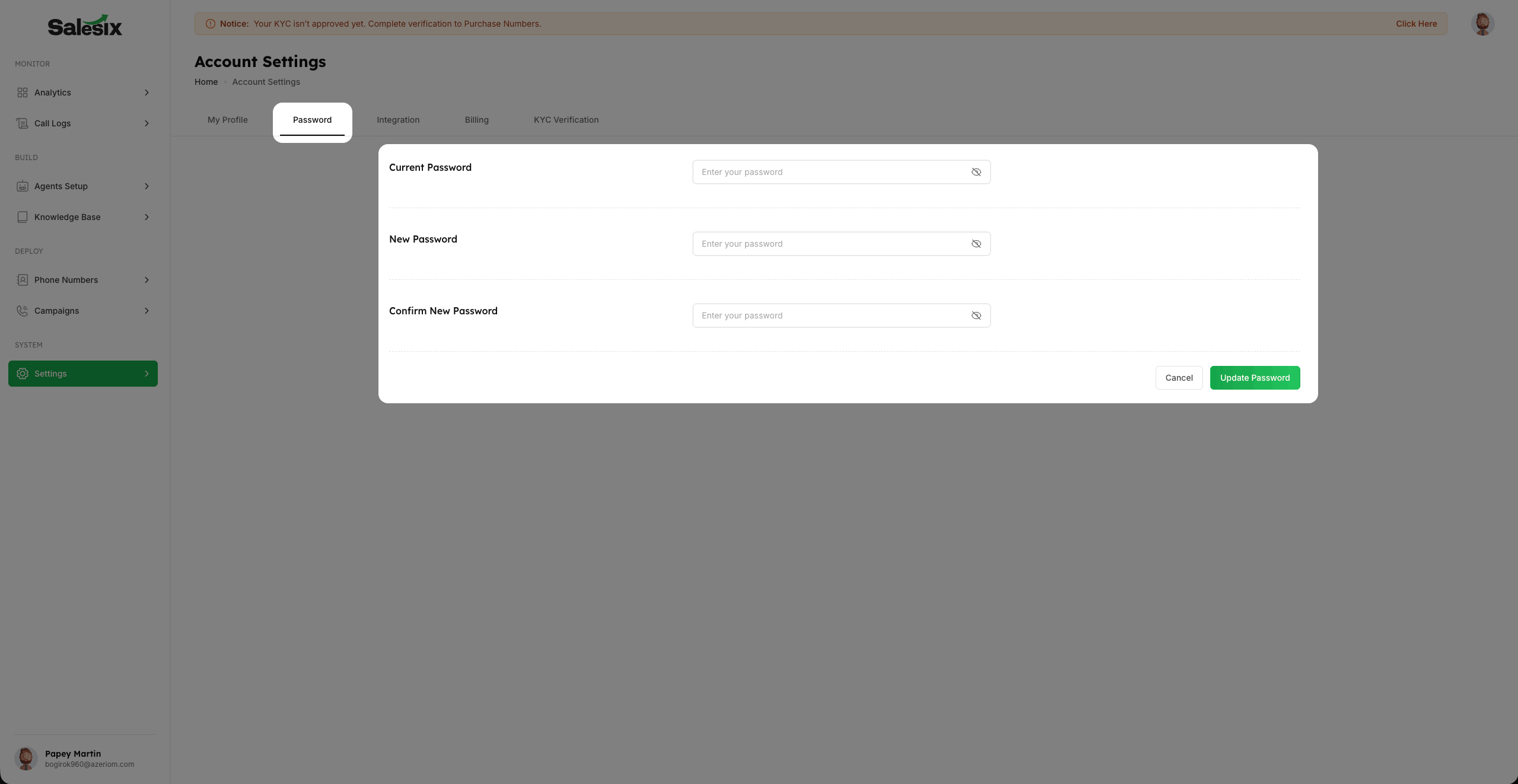
Navigate to the Password tab within your account settings.
- 2
Provide your Old Password to verify your identity.
- 3
Set your New Password ensuring it meets security requirements.
- 4
Confirm your new password and save changes to update your account access.
Summary
Your account security is our priority. Regularly updating your password and using a strong, unique combination of characters helps protect your workspace and sensitive business data.